

编译 CanMv 和 Maixpy 源码#
获取源码#
克隆项目仓库
git clone https://github.com/kendryte/canmv.git
获取子仓库
git submodule update --recursive --init
它会注册并克隆所有子模块,如果你不想注册所有子模块,因为有些模块是不必要的,只需执行
git submodule update --init
# or
git submodule update --init path_to_submodule
# or
git submodule update --init --recursive path_to_submodule
安装依赖项(Ubuntu)#
sudo apt update
sudo apt install python3 python3-pip build-essential cmake
sudo pip3 install -r requirements.txt
检查 CMake 版本#
cmake --version
下载工具链#
wget https://github.com/kendryte/kendryte-gnu-toolchain/releases/download/v8.2.0-20190409/kendryte-toolchain-ubuntu-amd64-8.2.0-20190409.tar.xz
sudo tar -Jxvf kendryte-toolchain-ubuntu-amd64-8.2.0-20190409.tar.xz -C /opt
ls /opt/kendryte-toolchain/bin
配置项目#
将路径切换到项目目录hello_world
cd projects/hello_world
您可以通过以下方式自定义工具链路径
python3 project.py --toolchain /opt/kendryte-toolchain/bin --toolchain-prefix riscv64-unknown-elf- config
通过命令将配置清理为默认值 python3 project.py clean_conf
配置项目
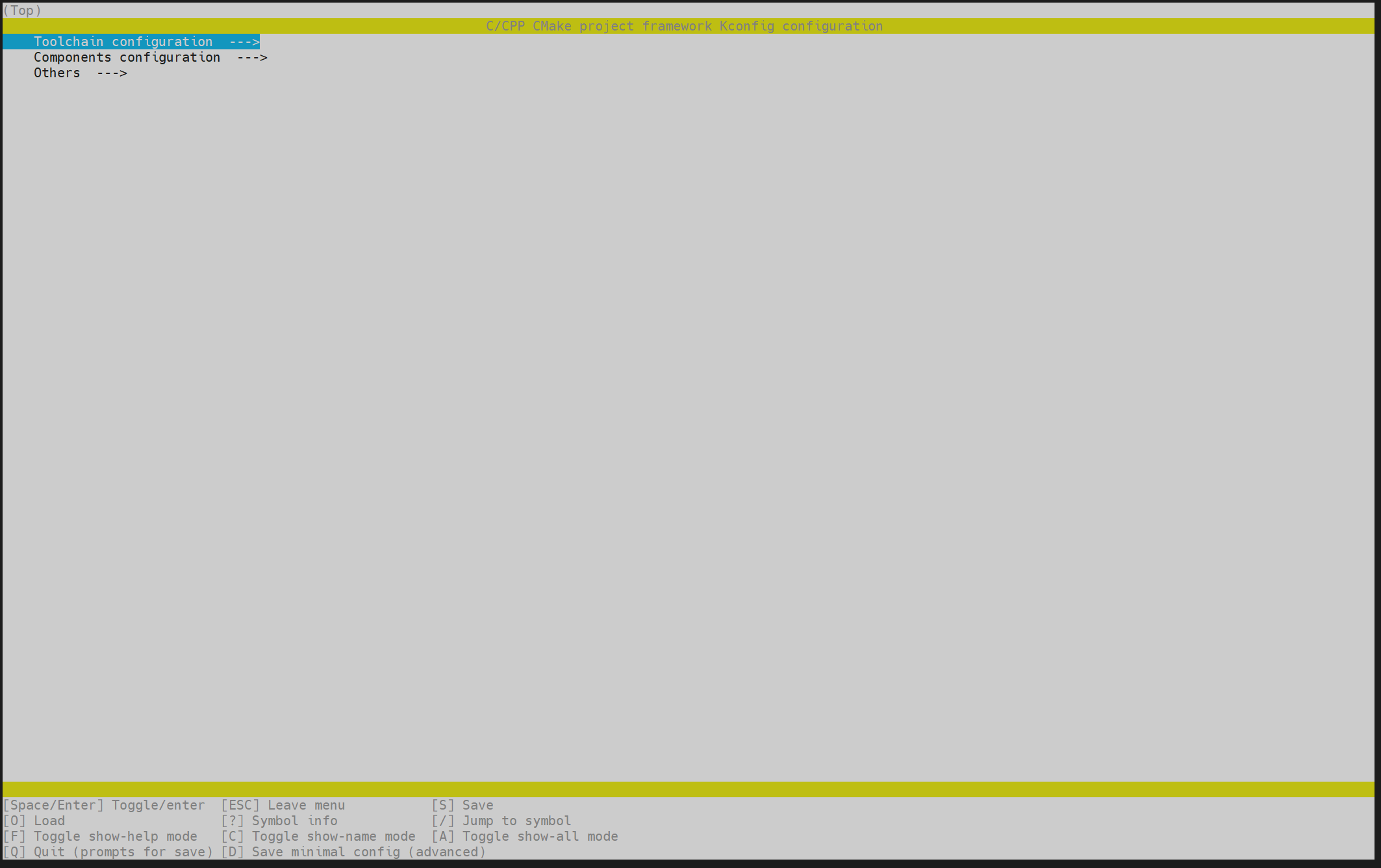
通常,只需使用默认配置。如果要自定义项目模块的大小,请执行命令:
python3 project.py menuconfig
编译
# 编译
python3 project.py build
# 清洁项目
python3 project.py clean
# 清理所有构建文件
python3 project.py distclean
# 重新构建
python3 project.py rebuild
maixpy 编译方式相同
克隆项目仓库
git clone https://github.com/sipeed/MaixPy.git